 Fusion Digital Print
Top 10 Tips to Extend the Lifespan of Printing Machines
Maintain Critical Components Before Wear Causes Damage
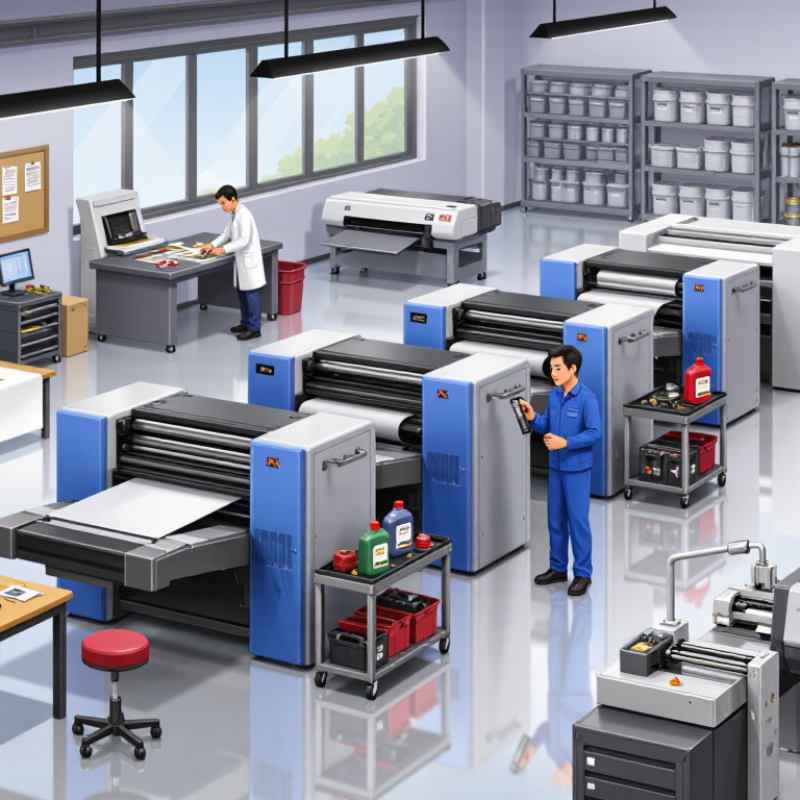
In my maintenance experience, small component changes often appear before major failures. A roller may develop a glossy patch, while a bearing produces a faint, uneven hum. These signs deserve attention. Small noises matter. Inspect rollers, belts, gears, guides, and bearings during scheduled cleaning. Look for cracks, dust buildup, loose fasteners, and unusual heat near moving parts. Always disconnect power before reaching inside the machine.
Follow the service manual for lubrication points, cleaning agents, pressure settings, and replacement limits. Too much lubricant can attract paper dust and contaminate sensitive surfaces. The wrong solvent may damage seals or coatings. Do not guess. Measure roller diameter and belt tension when possible, then record the readings with the date. This creates a practical history and helps technicians identify gradual wear. Operators should also check alignment after replacing a critical part, because a small error can create uneven pressure and repeated paper jams.
I once delayed replacing a worn guide because the machine still produced acceptable pages. That shortcut failed. The guide later damaged nearby components and increased downtime. A pre-use inspection might take five minutes, but repairs can consume an entire shift. No checklist is perfect. Review it when failures reveal a missed detail, and train operators to report changes instead of forcing the machine through unusual resistance. Certified technicians should handle electrical faults, structural repairs, and adjustments outside documented tolerances.
